Lists are objects in the In-Memory DB. They allow application designers to compose combinations, or "List Blocks", of specific elements from several dimensions, and then use these blocks in Jedox Views. For example, specific elements from a Time dimension and a Version dimension can be combined in Lists to form one List Block that shows a current Month and its Actual figures; the previous Month and its Actual figures; and the Budget for the full year.
Lists in Modeler
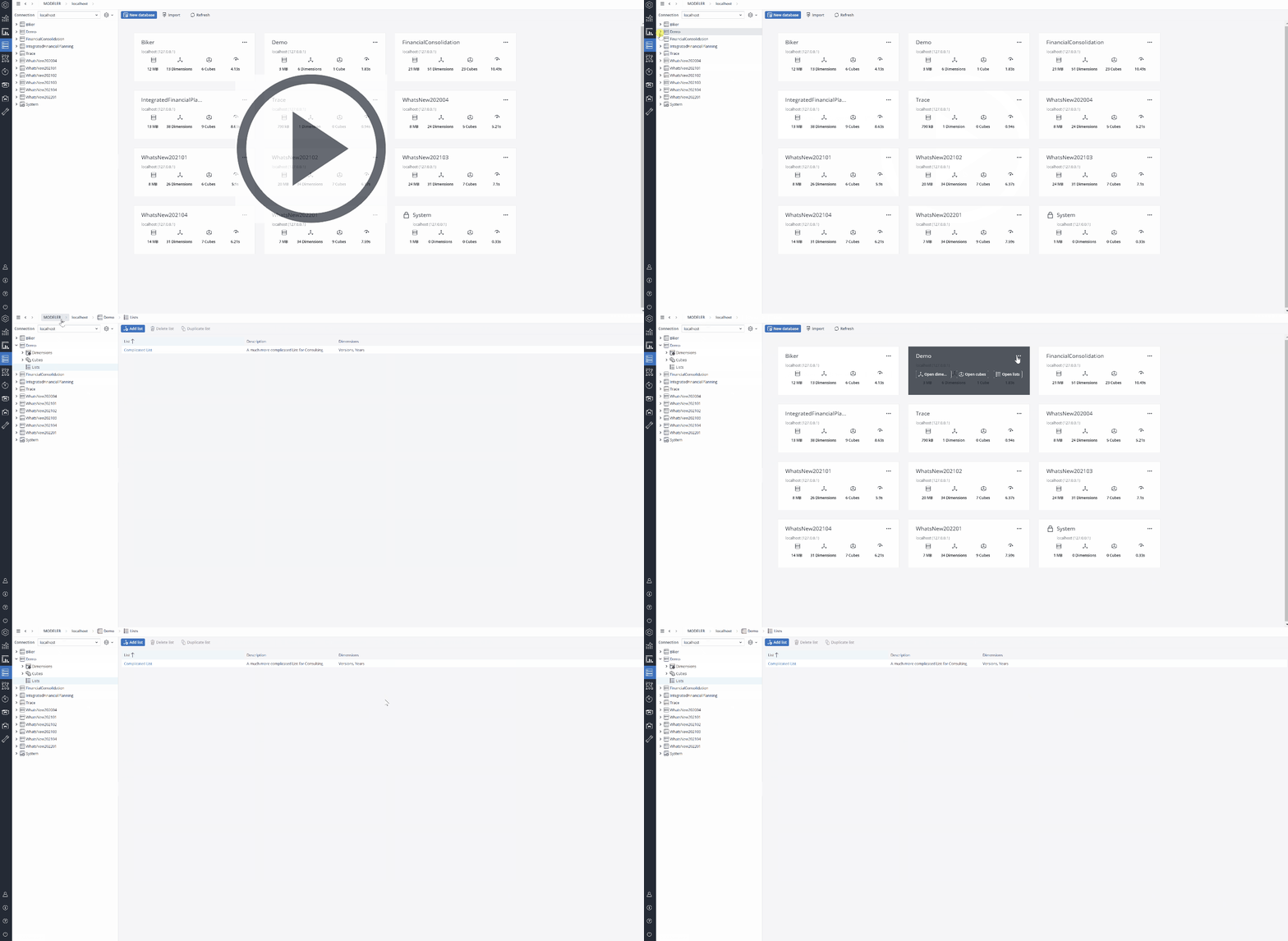
Lists are defined in the Modeler. To open Lists, navigate to the Lists section in each Database in the Modeler, or choose Open lists in the Database overview.
Building a list
Click on Add list to open the Create List dialog. Define a name and add an optional description, then click on Column, where you choose whether the List will be Standard or Calculation.
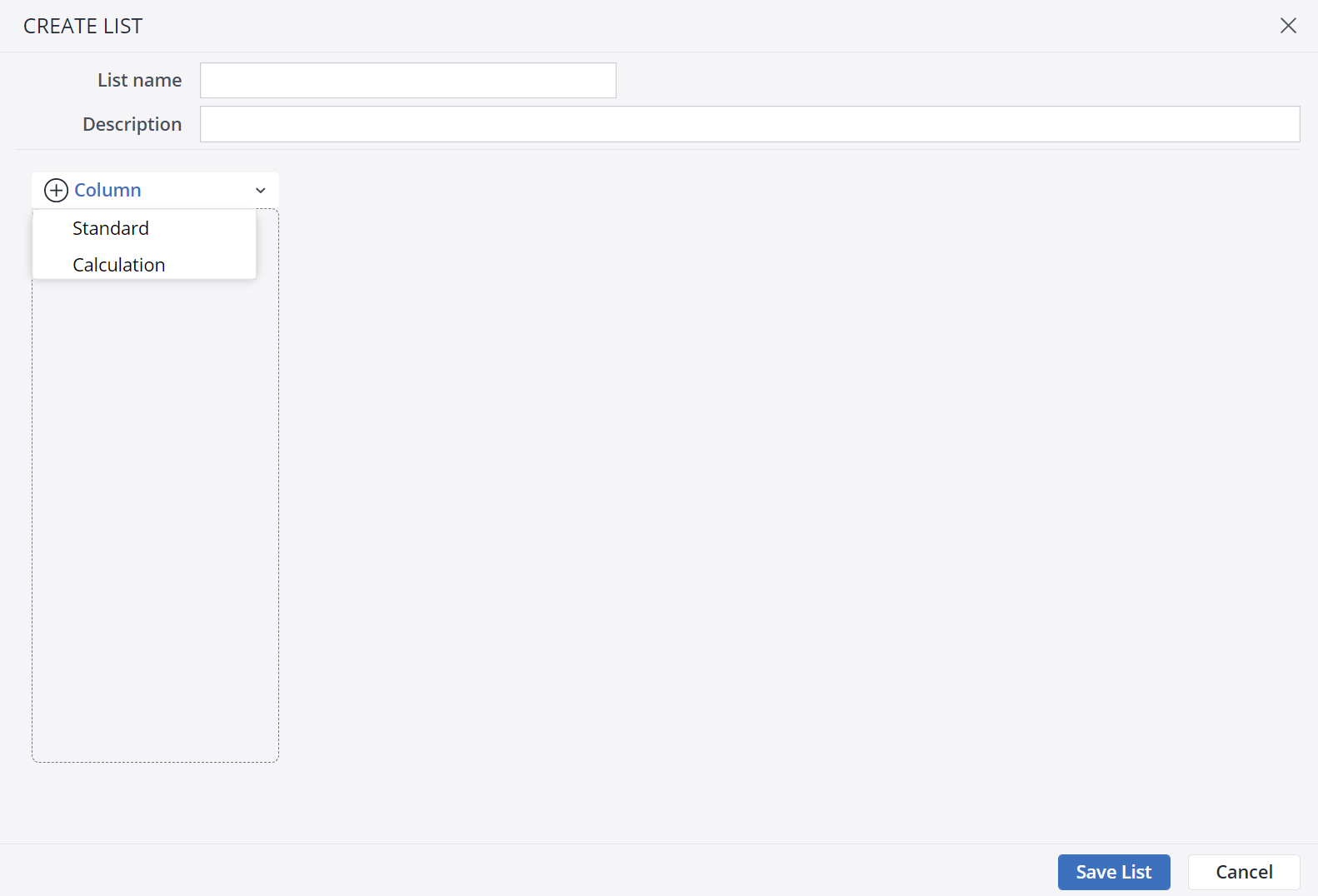
Standard Lists group and sequence specific elements chosen from dimensions. Calculation Lists are calculated rows or formulas that you insert in the List structure alongside standard dimension elements.
Next step: Standard Lists and Calculation Lists
Related articles
Standard Lists and Calculation Lists
This article explains how Standard Lists and Calculation Lists are created and used in Jedox.Dynamic Lists, Expressions, and Labels
This article describes how Lists can be made dynamic using variable expressions and attributes.
This article explains how Lists are used in Views and Paste View dialogs, and outlines the technical behavior, limitations, and constraints associated with Lists.
Updated August 5, 2026