Return to Financial Consolidation Model Overview.
In the Jedox Financial Consolidation model, security and user rights are a fundamental part of application design. They determine who can access which data, which functions a user can execute, and which parts of the consolidation workflow are available to different roles.
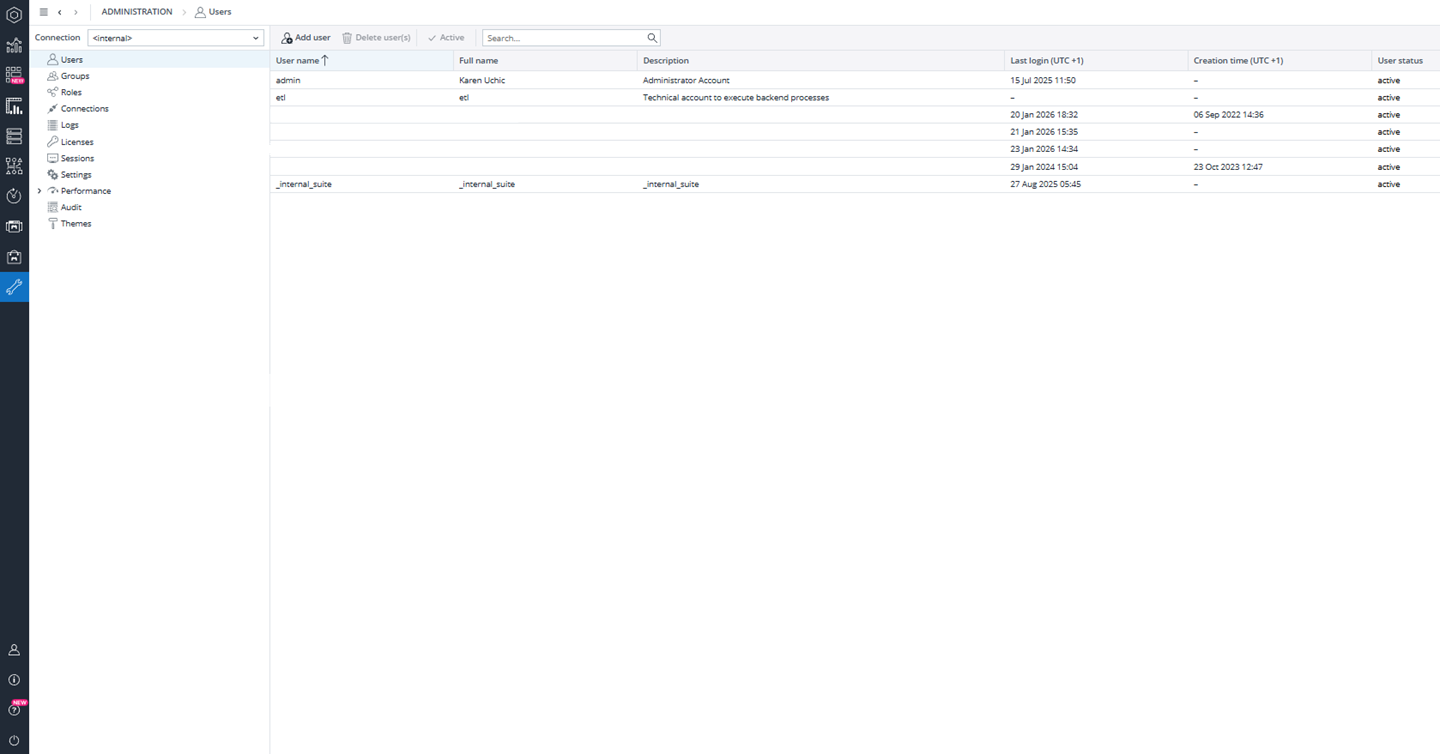
A well-designed security model ensures data confidentiality, auditability, and operational stability across local and group consolidation processes. User rights in Jedox are configured at platform level and then applied to Financial Consolidation through a combination of users, groups, roles, and connections. These four components form the basis of all access control in a consolidation environment and must be defined as part of the initial application setup.
User and Group Management
Users are created in Jedox by administrators in the User Management section of the Administration. Each user is assigned a name, description, and one or more groups. Groups represent business or technical roles, such as local legal entity controllers, consolidation managers, ETL operators, application designers, or reporting users. Additional groups can be created to reflect the organization’s structure or governance model.
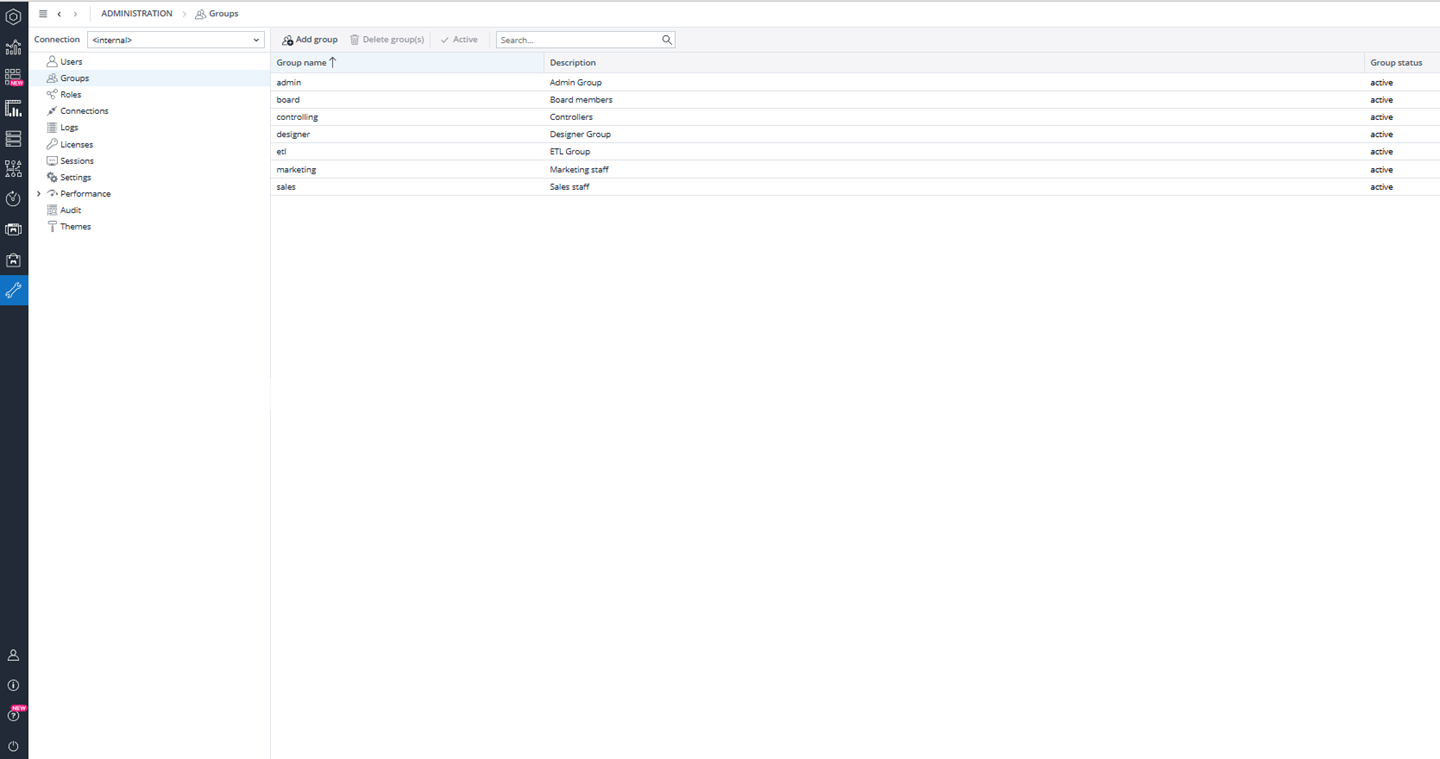
Groups are linked to roles, and roles define which objects a group can access. This includes database objects, cubes, dimensions, reports, and functions. For example, an application designer group typically has full access to all database objects and modeling features, while a controller group may only have read and write access to specific cubes and no design permissions.
This separation ensures that technical users can build and maintain the model, while business users can only interact with the data and processes relevant to their responsibilities.
Role-Based Access to Database Objects
Roles control what each group can do inside the Jedox database. At this level, permissions can be defined for cubes, dimensions, cell data, and other model objects. For example, a designer role may have full access to all objects, including write and structural changes, while a controller role may only have permission to enter and adjust data but not modify the model itself.
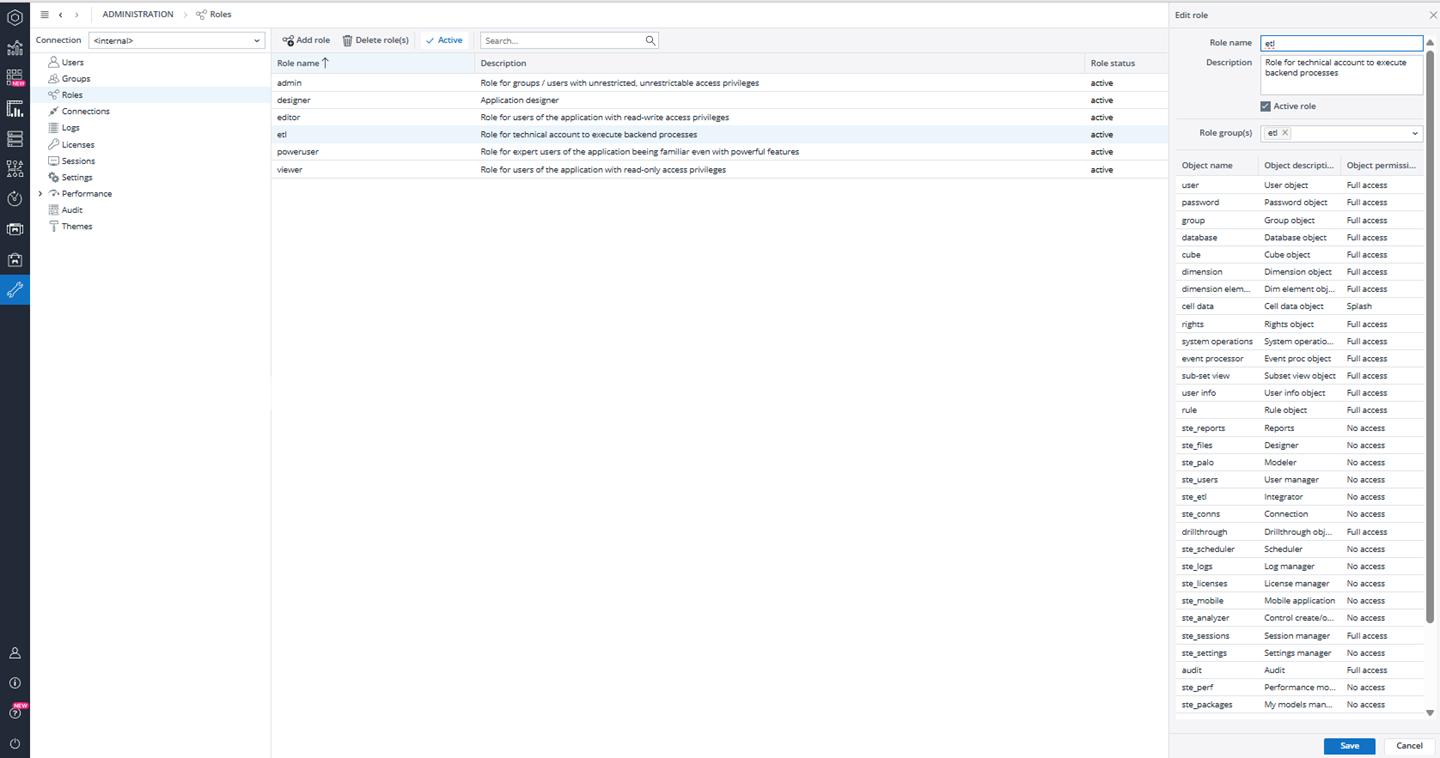
Cell-level permissions, such as write or splash access, can be restricted so that users can enter values but cannot overwrite system-generated data or structural calculations. These permissions are typically defined by the implementation team during the initial setup phase and are aligned with the organization’s governance and audit requirements.
Connection-Level Security
In addition to object security, Jedox uses connections to control how users interact with an application. Each connection can be assigned read, write, or full control rights for each group. This determines whether a group can open an application, edit data, execute processes, or only view results.
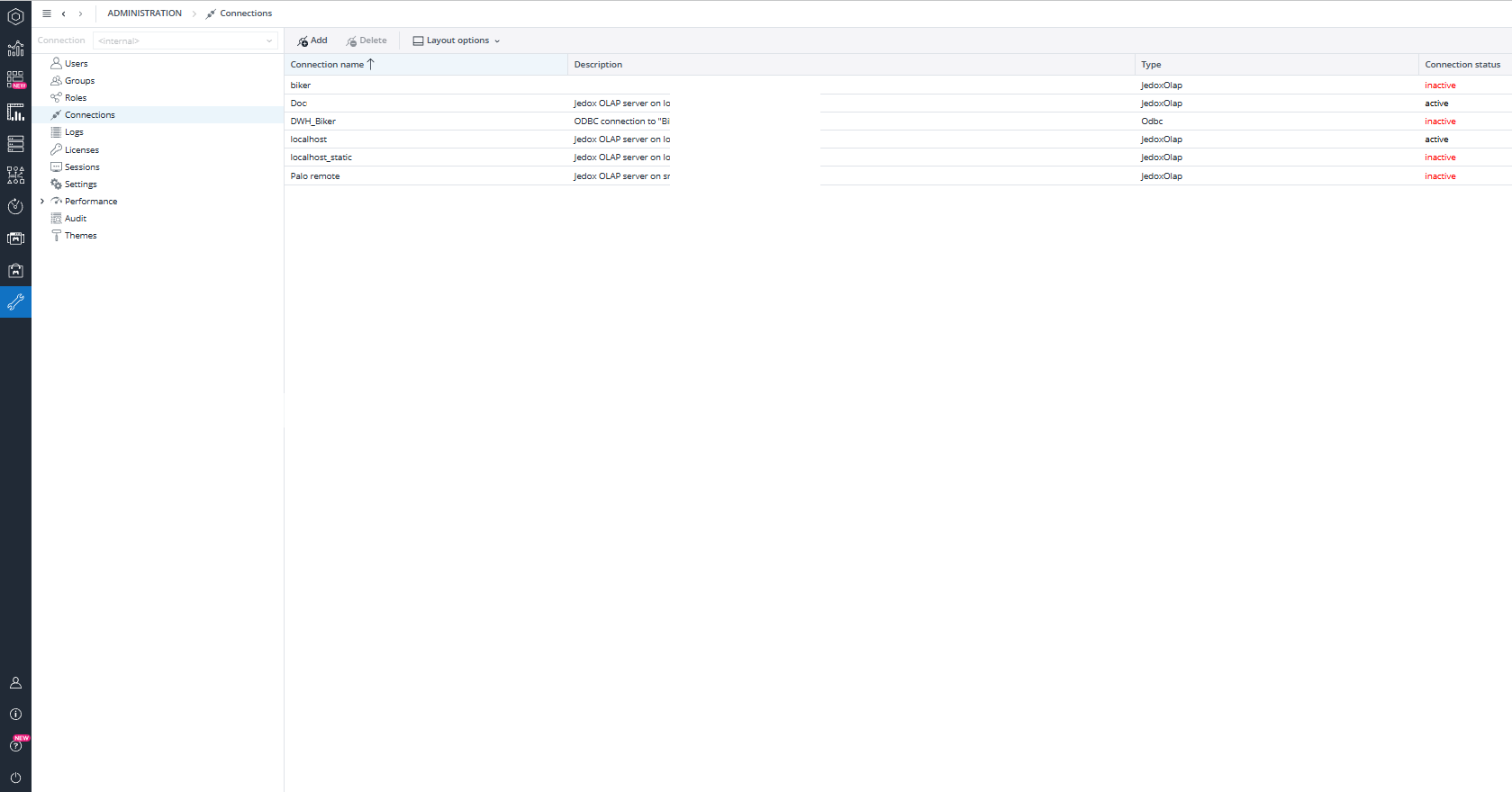
For example, administrators and application designers may have full control, while board members or reporting users may have read-only access. Controllers may be allowed to write data in their scope but not run consolidation processes. This ensures that critical actions, such as executing consolidation or posting group-level adjustments, can only be performed by authorized users.
Financial Consolidation–Specific Access Control
In a Financial Consolidation environment, user rights are usually more granular than in standard planning or reporting models. Local accountants and controllers are typically responsible only for their own legal entity and local currency data. They do not need access to group-level data or other legal entities.
For this purpose, the Financial Consolidation model supports restrictions by legal entity, scope, and consolidation dimension. Local users can be granted access only to their own entity and to specific consolidation members such as Local GAAP, Adjustment 0, and any additional adjustment layers required by the process. They can enter and adjust values for their entity but cannot view or modify data belonging to other entities or the group.
Group accountants and consolidation managers, on the other hand, can access group-level consolidation layers, intercompany eliminations, and currency translation results. They are also the only users allowed to execute consolidation steps and post group adjustments.
See the Local Accountant in Financial Consolidation Model article for more information.
Control of Consolidation Processes
The execution of consolidation procedures is also controlled by user rights. Only specific user groups are allowed to run consolidation steps such as data import from staging, validation, currency translation, intercompany elimination, and group consolidation. This prevents unauthorized or accidental recalculation of group results.
Local users typically interact only with the staging area and Local GAAP layer. Data is loaded from source systems into the staging cubes, validated, and then transferred into Local GAAP. From there, group-level processing is performed by authorized users.
Audit Trail and Change Tracking
Jedox provides a full audit trail for Financial Consolidation data. Audit tracking can be enabled for individual cubes either directly in the database administration or through the Audit Manager.
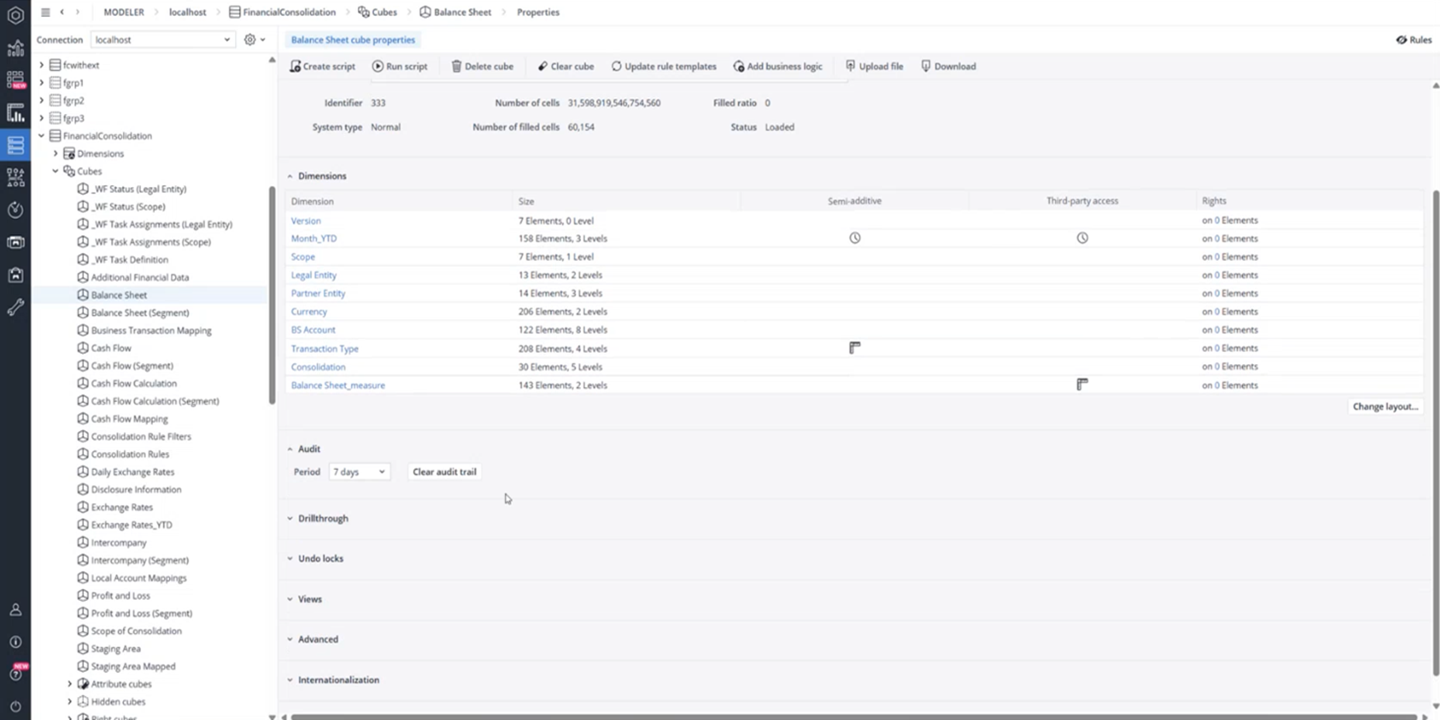
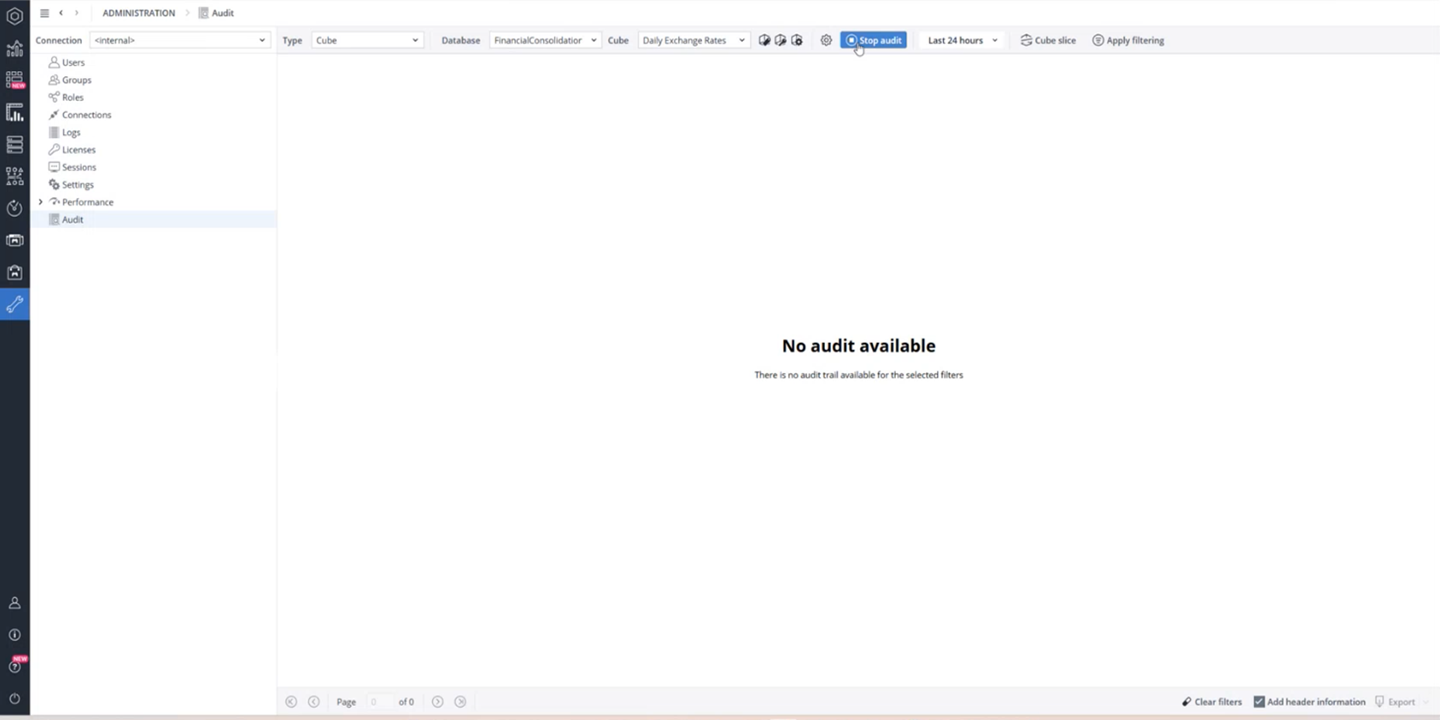
When enabled, every cell change is recorded, including the user, time, old value, and new value.
The Audit Manager allows administrators to start and stop auditing for multiple cubes, filter the audit log by cube, time, or dimension slices, and review changes in a structured way. This provides full transparency and supports internal controls, external audits, and compliance requirements.
Object-Level Security and Platform Access
In addition to data and process security, Jedox also supports object-level security. Reports, dashboards, and other application objects can be assigned to specific users or groups so that each user only sees the content relevant to their role. This ensures that local users, for example, cannot access group reporting views or administrative dashboards.
Platform-level security also includes user authentication and password management. Users must have a valid account and license to log in. If a user cannot access the system even though the license is valid, this must be resolved by the administrator or by Jedox Support. See also the Admin User Login & Password Management article.
Updated May 19, 2026