Return to the Financial Consolidation Model Overview
The Financial Consolidation model provides a dedicated interface for configuring, reviewing, and analyzing consolidation rules. These rules determine how capital consolidation, debt consolidation, unrealized profit elimination, and intercompany income and expense eliminations are applied during the consolidation process. Power users can access and modify these rules directly from the application and tailor them to the specific requirements of their organization.
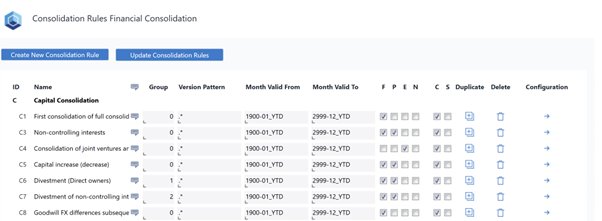
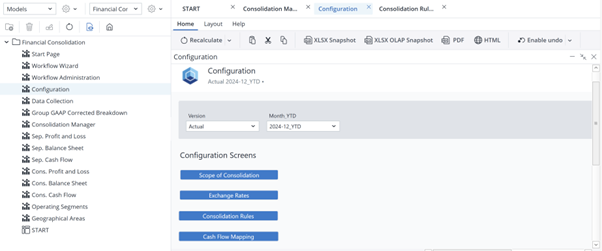
You can open the Consolidation Rules interface by navigating to Reports → Financial Consolidation → Configuration → Consolidation Rules.
The screen that opens when you click on the "Consolidation Rules" displays all existing rules and allows authorized users to create new rules or modify existing ones. Any changes made here should be confirmed by selecting the option to Update Consolidation Rules, ensuring that updates are applied correctly throughout the model.
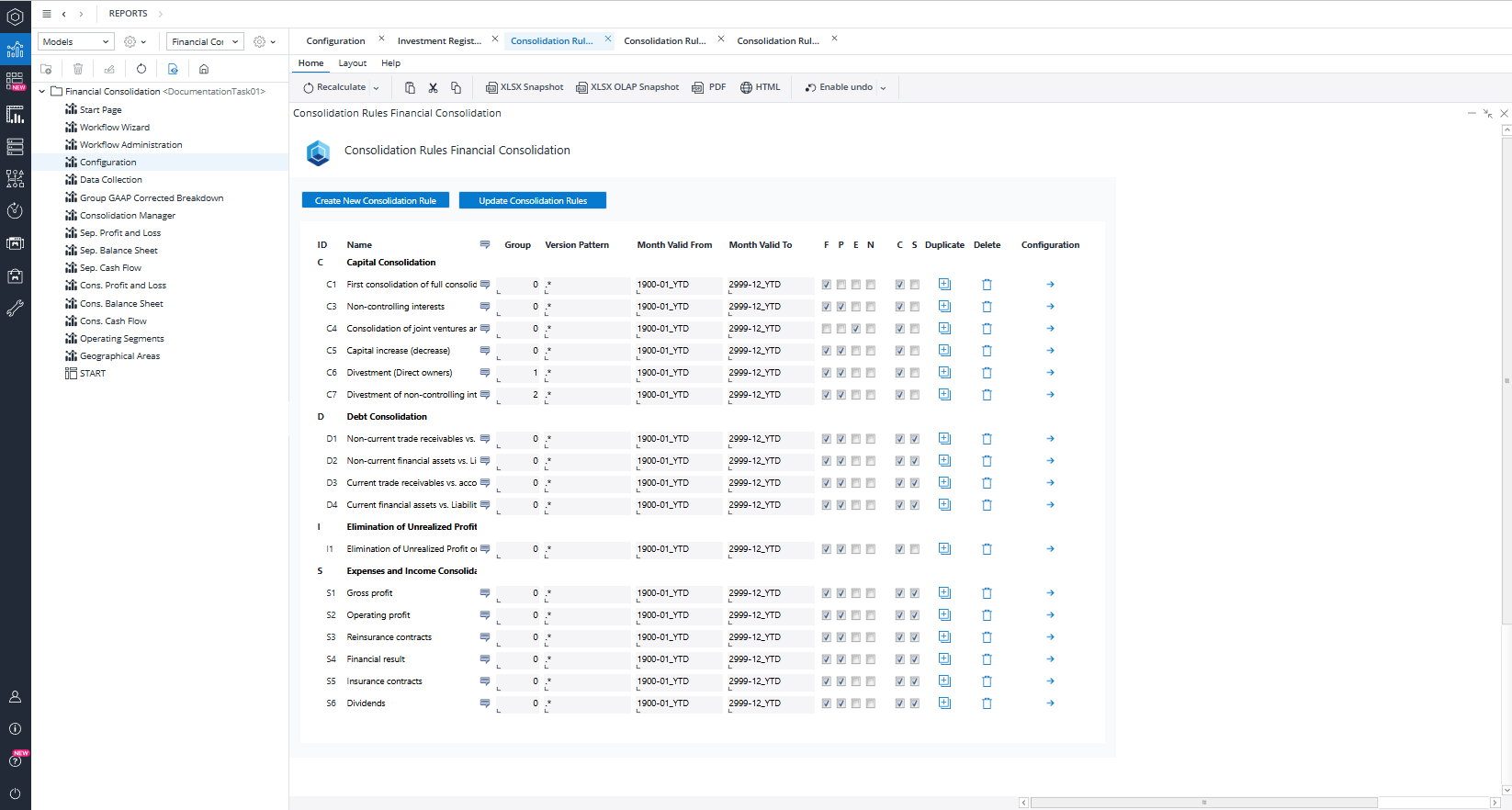
The model includes four primary categories of consolidation rules: Capital Consolidation, Debt Consolidation, Elimination of Unrealized Profit, and Expense and Income Consolidation. Each rule contains a detailed description, which can be viewed by clicking the description icon next to the rule name.
Viewing and Configuring Rule Details
To understand how a specific rule operates, you can open it in detail. For example, the capital consolidation rule C1 – First consolidation of fully consolidated subsidiaries can be examined by selecting Configure. This opens a detailed view of the rule and all of its associated configuration lines.
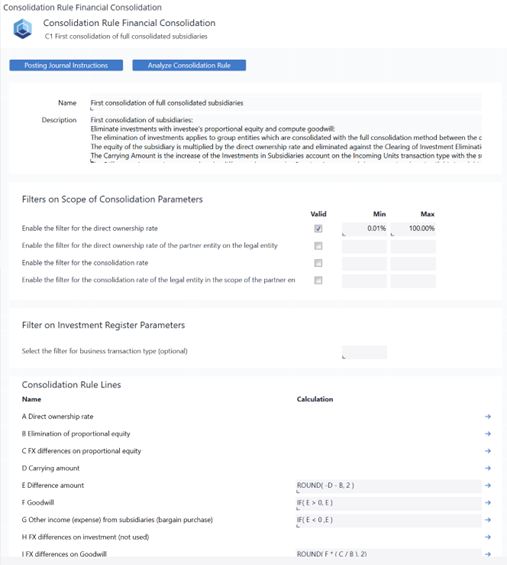
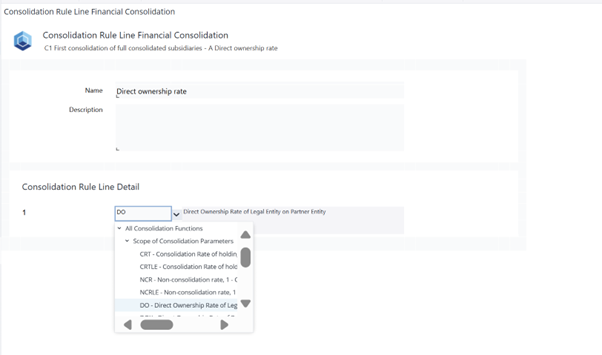
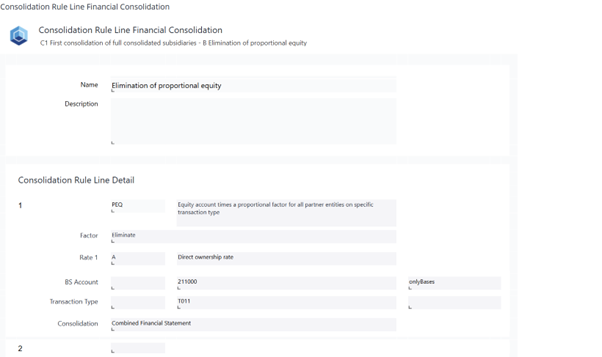
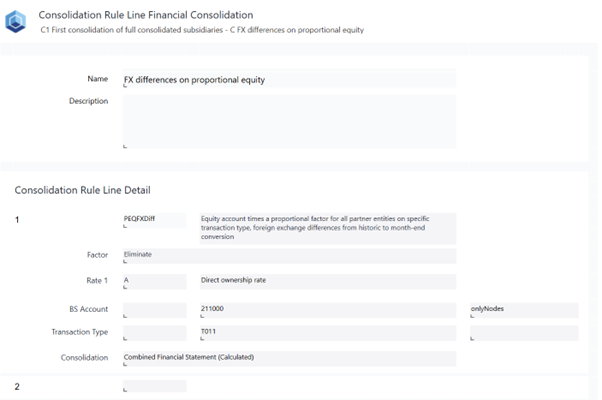
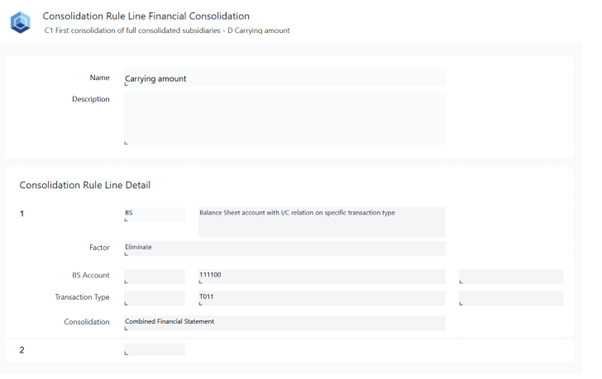
Each consolidation rule contains several rule lines that define how the system should perform calculations. These lines can be opened individually to specify the configuration that applies to your group’s requirements. For the C1 rule, the model displays the full set of rule components, including:
-
A Direct ownership rate
-
B Elimination of proportionate equity
-
C FX difference on proportionate equity
-
D Carrying amount
-
E Difference amount
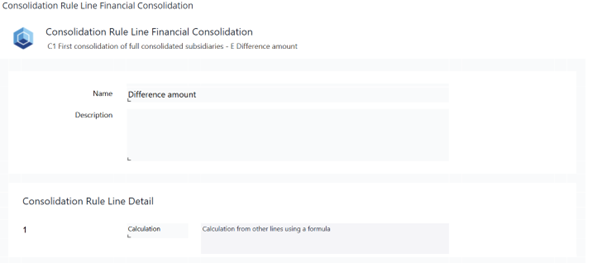
-
F Goodwill
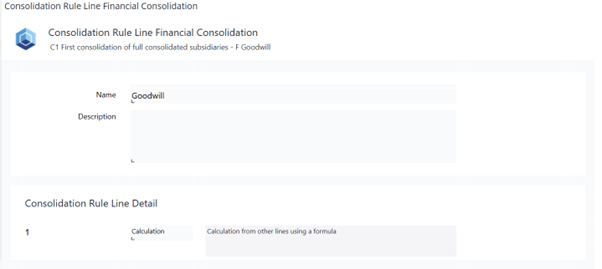
-
G Other income (expense) from subsidiaries (bargain purchase)
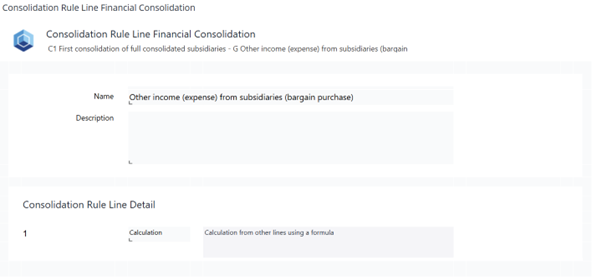
-
H FX difference on investment (not used)
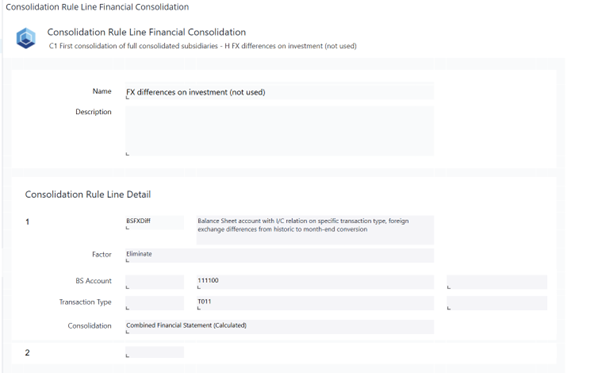
-
I FX difference on Goodwill.
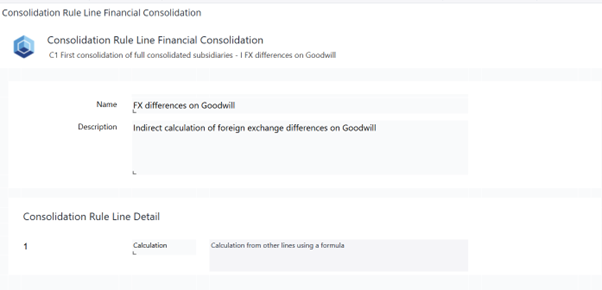
Users can adjust the settings for each of these lines to reflect the appropriate consolidation logic for their entities.
Automatic Posting Instructions
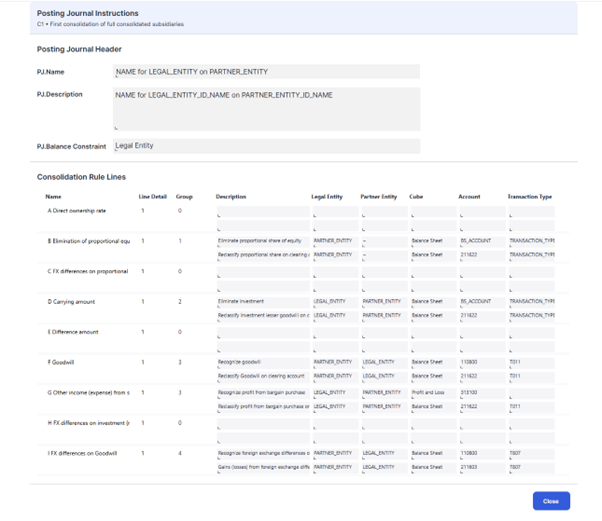
Based on the configuration of each consolidation rule, the model generates automatic journal entries. These posting instructions define the account, transaction type, consolidation level, legal entity, and partner entity to which each journal entry applies. Reviewing these instructions helps users understand how calculated values are translated into postings within the consolidation cubes.
Analyzing Rule Filters and Journal Entries
The Analyze Consolidation Rule report within the Financial Consolidation model provides a complete overview of all consolidation rule filters. This report enables users to examine how filters interact with ownership data, consolidation methods, and transaction types.
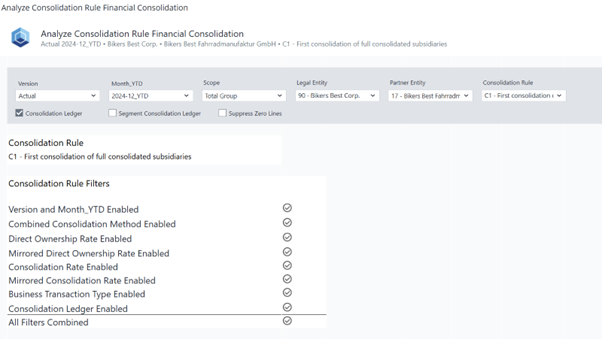
By selecting specific filters, users can view all relevant journal entries generated under those conditions.
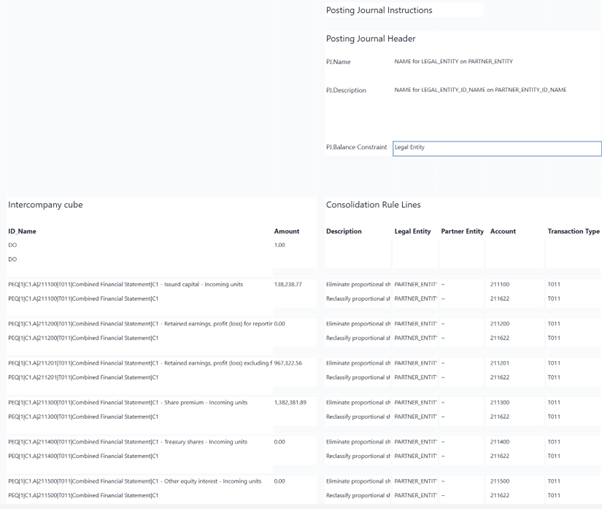
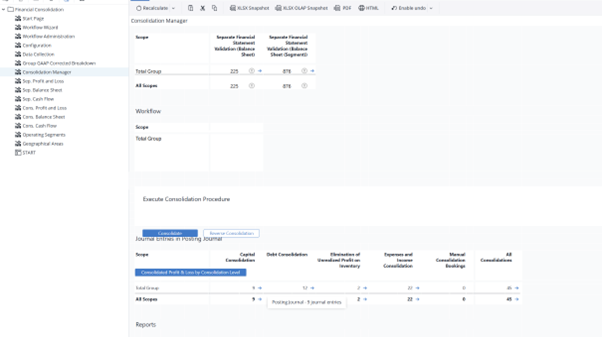
Finally, users can review the resulting journal entries that correspond to the configured rule logic. This review process ensures that the consolidation rules perform as intended and that all automated postings reflect the underlying calculations accurately.
Updated May 19, 2026